Nano Banana Inpainting AI: Edit Image with AI
Effortlessly edit and enhance your images with Nano Banana Inpainting AI. Upload any photo and use our inpainting tools to remove unwanted objects, fill missing areas, or rewrite image content with powerful AI assistance.
Examples of Nano Banana Inpainting AI
See how Nano Banana Inpaint AI can erase, fix, or rewrite image regions for creative or practical needs.
Remove Objects from an Image
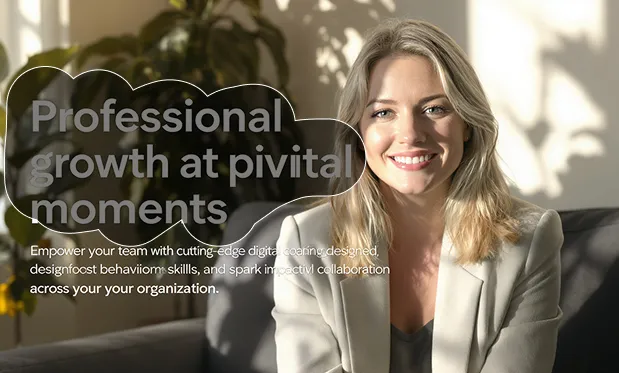
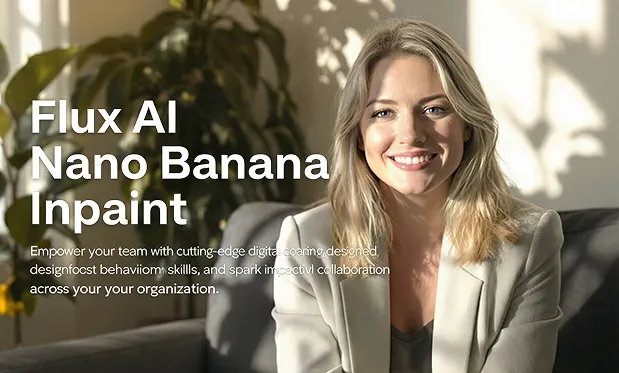
Restore Damaged Parts
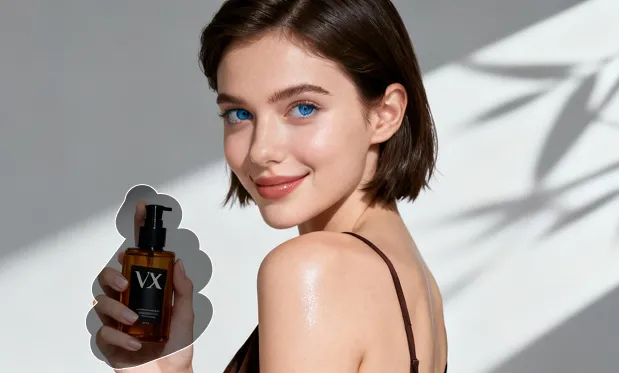
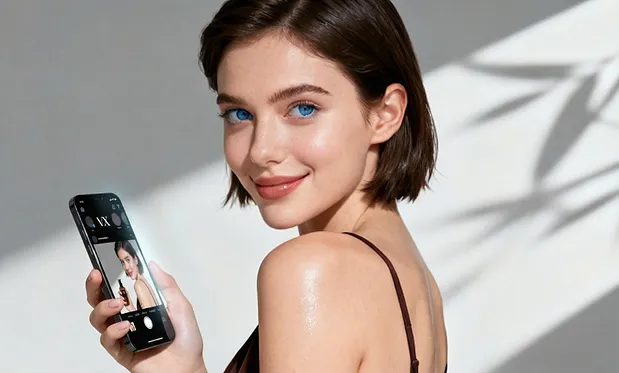
Key Features of Nano Banana Inpainting AI
Unlock advanced inpainting, seamless object removal, and creative editing—no manual skills required.
Effortless Object Removal
Select and erase unwanted objects or backgrounds with one click—AI fills the gap for natural results.
Smart Region Restoration
Automatically restore missing or damaged areas of photos using context-aware filling.
Creative Inpainting with Prompts
Rewrite specific image regions by typing a prompt, allowing creative replacements based on your text.
Quality Consistency
Maintains lighting, perspective, and fine detail to keep edits seamless with the rest of your image.
Benefits of Using Nano Banana Inpainting AI
Quick, reliable, and creative image inpainting for professionals and hobbyists.
Fast & Easy Editing
Instant results—remove, restore, or rewrite any region in moments with just a few clicks.
High-Quality Inpaint Results
AI-powered fills blend into the original image for professional-grade edits.
Flexible Usage
Supports batch edits, complex region masking, and prompt-driven creative workflows.
No Graphic Design Skills Needed
Anyone can use Nano Banana Inpaint AI for photo clean-up or creative experimentation—no experience required.
Application Scenario of Nano Banana Inpainting AI
Perfect for retouching photos, e-commerce image cleanup, content creation, art projects, and more.
Photo Retouching
Remove blemishes, strangers in the background, or distractions from personal photos.
Product Image Cleanup
Easily remove props, dust, or watermarks to showcase products professionally.
Art and Creative Edits
Rewrite image sections to match your story or vision using prompt-based inpainting.
Image Restoration
Repair damaged, scratched, or missing areas in old or historical photos.
How to Use Nano Banana Inpainting AI
Follow these steps to inpaint your images with Nano Banana Inpaint AI:
Upload Image
Click to upload the photo you want to edit.
Mask the Region to Edit
Select the unwanted object or area that needs removal or rewriting.
Inpaint or Enter a Prompt
Choose automatic inpaint or enter descriptive text for creative replacement, then click Generate.
FAQs of Nano Banana Inpainting AI
Explore More Advanced AI Image Tools for Image Editing
Check out other free AI-powered image solutions by Flux.